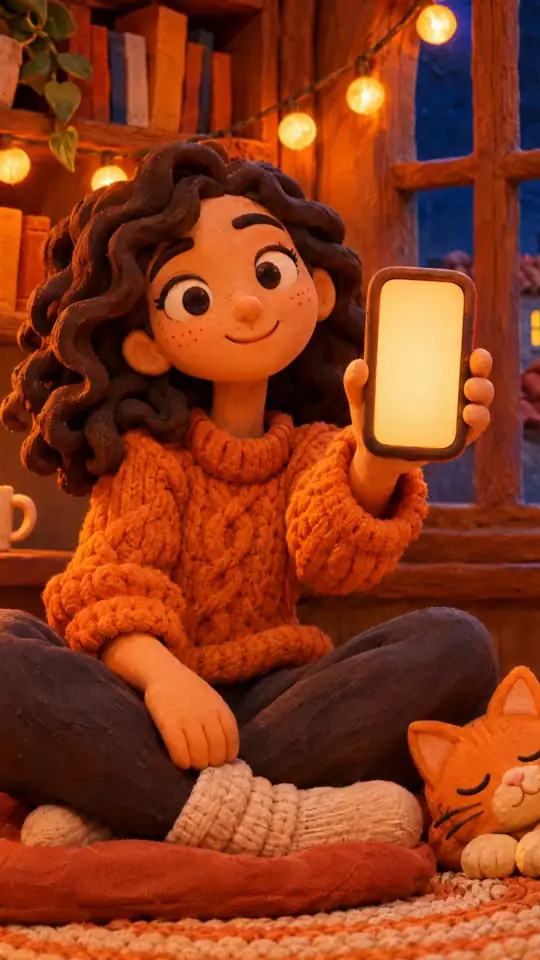
Tech tutorial video maker — Terracotta studio style
Make a tech tutorial video with UI cards floating in light 3D on cream: numbered labels, rolling counters, terracotta plates and italic serif captions.
Входить у Starter, усі 27 стилі плюс твій власний · попередній перегляд створено рушієм ClipOnIt
Як виглядає цей стиль
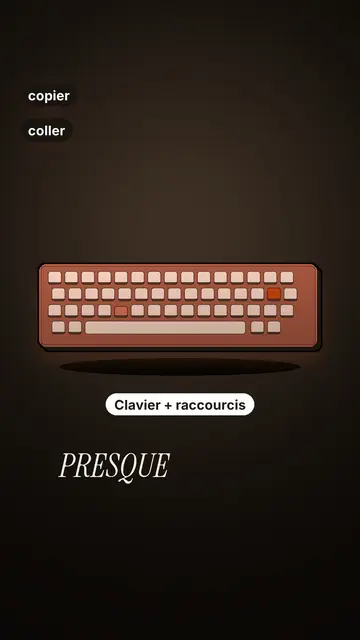
Terracotta studio explains a tool as if on a tidy workbench. On a cream background, interface cards float in light 3D, with real perspective and a warm shadow: an app window, a list of steps, an editing timeline, a sound wave drawing itself, a pad of keys lighting up one by one. At the top, a numbered label (“01”, the tool's name, “free”) says where you are and stays put while that tool is discussed. Each card enters on the word that names it.
The promise lands on a solid terracotta plate: an asterisk, an extra-bold grotesque title and an underlined italic serif word. The key number rolls in a giant counter above a floor of small cards in perspective. Small labels pop around the cards on the strong words, and captions run word by word in uppercase italic serif, the key word in terracotta. The end shows a numbered card and a button that lights up and then gets clicked.
Підходить для тем
Avoid: stories carried by characters, places or emotions: the style shows interfaces, lists and numbers, not scenes from life. Also avoid topics without steps or a concrete tool; a card should always show something you can do.
- Tool tutorialsEach tool gets its numbered label and its cards: viewers follow the order without getting lost, even in 30 seconds.
- Tech tipsA shortcut, a hidden setting, a command: the lit keys and the window show the exact move.
- How things workA search, a sound, an edit: the card filling up shows the mechanism step by step.
- Free tools and app round-ups“3 free tools”, “5 apps to install”: the plate announces the number, the end card sums up the list.
Ідеї відео в цьому стилі
- 3 keyboard shortcuts that save time
The lit keys, the closed-tabs window, the clipboard history and the card to keep.
- 5 free sites to find sounds
One label per site, the wave drawing itself, the counter of royalty-free sounds and the final list.
- How AI finds an image in one second
The typed search, the scrolling film strip, the image at the exact frame and the accuracy score.
- Editing a video on your phone
The timeline where clips stack up, the sound meter and the “Export” button clicked at the end.
Отримайте за 1 клік
- Відкрий посилання на цей стиль
Кнопка «Створити відео в цьому стилі» відкриває редактор із уже вибраним цим стилем. Без облікового запису реєстрація займе хвилину і не потребує картки.
- Напиши свою тему одним реченням
Достатньо однієї ідеї. Також можна вставити текст або, з Starter, розповісти в мікрофон: тоді відео буде створено на основі твого голосу.
- Перевір і рендери
ШІ пише сцени, підбирає елементи стилю й синхронізує їх зі словами, додає голос і субтитри. Ти виправляєш те, що не так, і за кілька хвилин отримуєш вертикальний MP4.
Що можна налаштувати
For each scene you pick one to three cards out of twelve (window, list, timeline, wave, pads, counter, meter, score, numbered frames, search, film strip or a library element), the numbered label for that part, up to three small labels and the word where each one appears. A terracotta plate carries the promise, a number shot rolls the key figure, and the end card lists your tools with a button. Your own voice works too: everything locks onto the spoken words.
Намальовано в цьому стилі
9 517 елементів у бібліотеці, з пошуком за змістом. Ось кілька з них:
 Персонажі
 Пристрої
 Документи та місця
 Дані
 Декорації
 Інтерфейси
 Наука
 Дії
Поширені запитання
Безкоштовно чи ні, результат, використання: короткі відповіді.
Do I need screenshots of my tools?
No. The engine draws the interface cards from your text: titles, lines, keys, numbers. No screenshot or brand logo is used.
Чи можна використати власний голос?
Yes. Record yourself or import your audio: every card, every key and every caption word locks onto what you say.
How is it different from Clean interface?
Clean interface tells a story in OS-style windows with a clicking cursor. Terracotta studio is built for tutorials: cards in light 3D, a numbered label per tool, terracotta plates and counters.
Чи доступний цей стиль у безкоштовному тарифі?
Ні, він входить до Starter ($29/міс.): 15 відео на місяць без водяного знака, усі 27 стилі плюс твій власний. Безкоштовний план дає 3 відео на місяць із водяним знаком у 8 інших стилях: Pixel News, Press paper, Comedy cartoon, Class sketch, Night tale, Social screen, Retro synthwave і Flat vector.
Якщо тобі подобається цей стиль
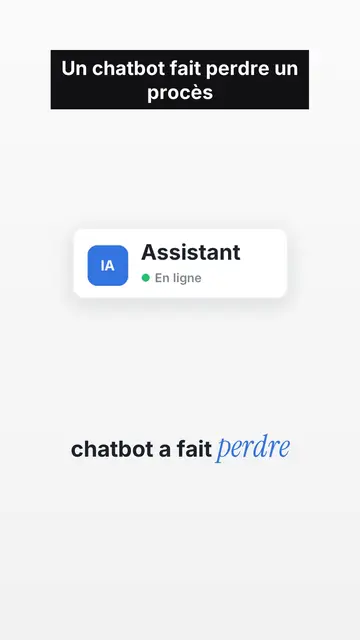
UI motion design explainer video
Clean interface style · The story played out in clean interface cards: windows, buttons, a cursor clicking on the word, key word in serif.
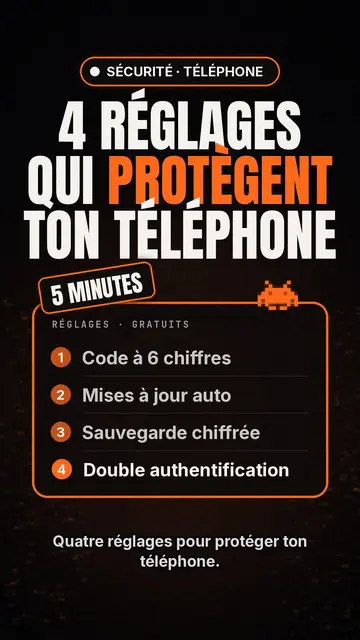
Відеоредактор технологічних топ-списків
Стиль Tech list · Картка Tech на чорному тлі, світловий значок, нумерований список.
Інструмент для відео з кінетичною типографікою
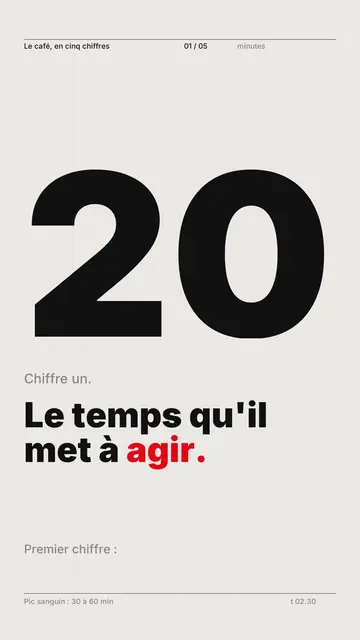
Swiss grid style · Швейцарська типографіка: світлий папір, строга сітка, величезна цифра, один сигнальний колір.
Твоя ідея в цьому стилі
Напиши речення або скажи його: стиль уже вибрано, коли ти потрапляєш до редактора.